 Varlet
Get started
Varlet gives you one manager to talk to. It runs a team of AI agents, each on its own cloud computer, and ships the work you approve. This page gets you from install to your first merged pull request.
1. Install the app
Varlet is a native app for iPhone, iPad and Macs with Apple silicon (the Mac runs the iPad app). It's coming to the App Store; until then the invite comes by email through TestFlight once you're off the waitlist.
Want to look around first? The phone on the home page is the real app on sample data: tap its tabs and cards.
2. Sign in and set up
- Sign in with your email. The link we send works only on the device that asked for it.
- Subscribe to Pro ($50 a seat a month or $500 a seat a year) on Stripe's checkout page.
- Add your Claude account or Anthropic API key. It goes straight to your encrypted vault and is never shown again.
3. Say what you want
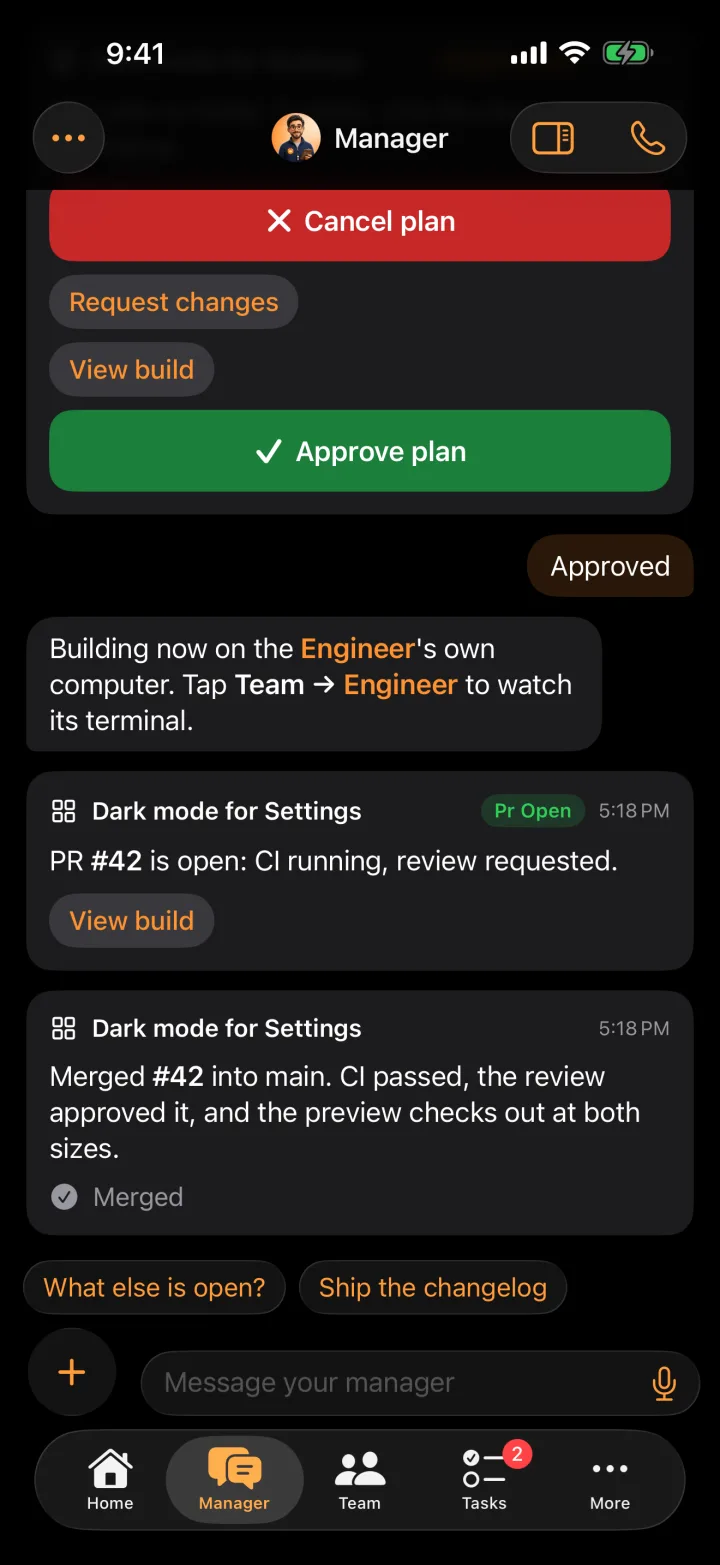
Type or say it. Small questions and tasks go to an agent right away. Features and fixes go through the Build lane: a plan you approve, then a build that ends in a merged PR.
Good first asks:
- "Add a dark mode switch to Settings in acme/todo."
- "Why did last night's deploy fail? Check Sentry and the CI logs."
- "Hire an SRE that checks errors every morning and runs on Codex."
4. Connect what your agents need
Connect GitHub for the repos you want built, and any other service from Settings → Connectors. Keys you add are scoped to a repo or an org, so an agent only ever gets the ones for the work in front of it. See Security.